

 Markdown Monster
Posts related to: Windows
Creating Dual Use Windows GUI and Console Applications
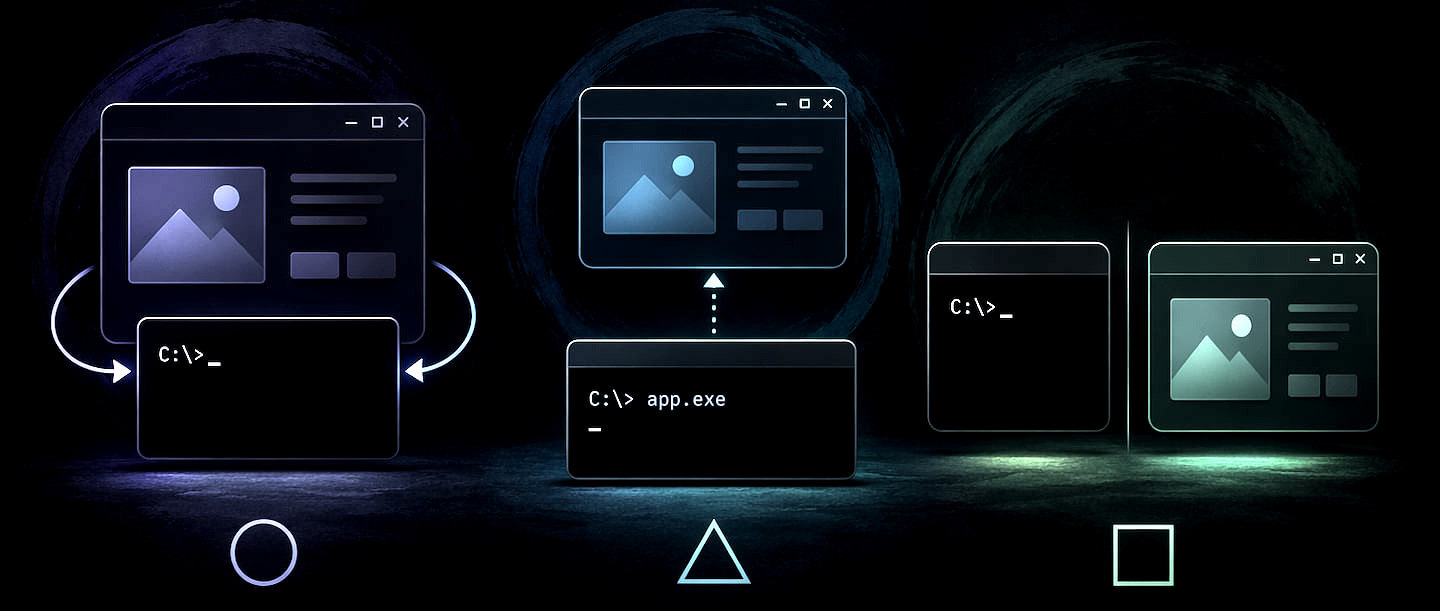
Building a tool that provides both a rich Windows GUI and a functional CLI from a single executable presents unique challenges due to how Windows handles subsystem types. This post explores three approaches for dual-mode apps: attaching to consoles from a GUI, launching UIs from a console app, and creating separate specialized EXEs. I’ll share the "clean as possible" workarounds for console jank and window flashing used in my own production tools.
Creating a Packaged Windows Single File Web Site Viewer Executable
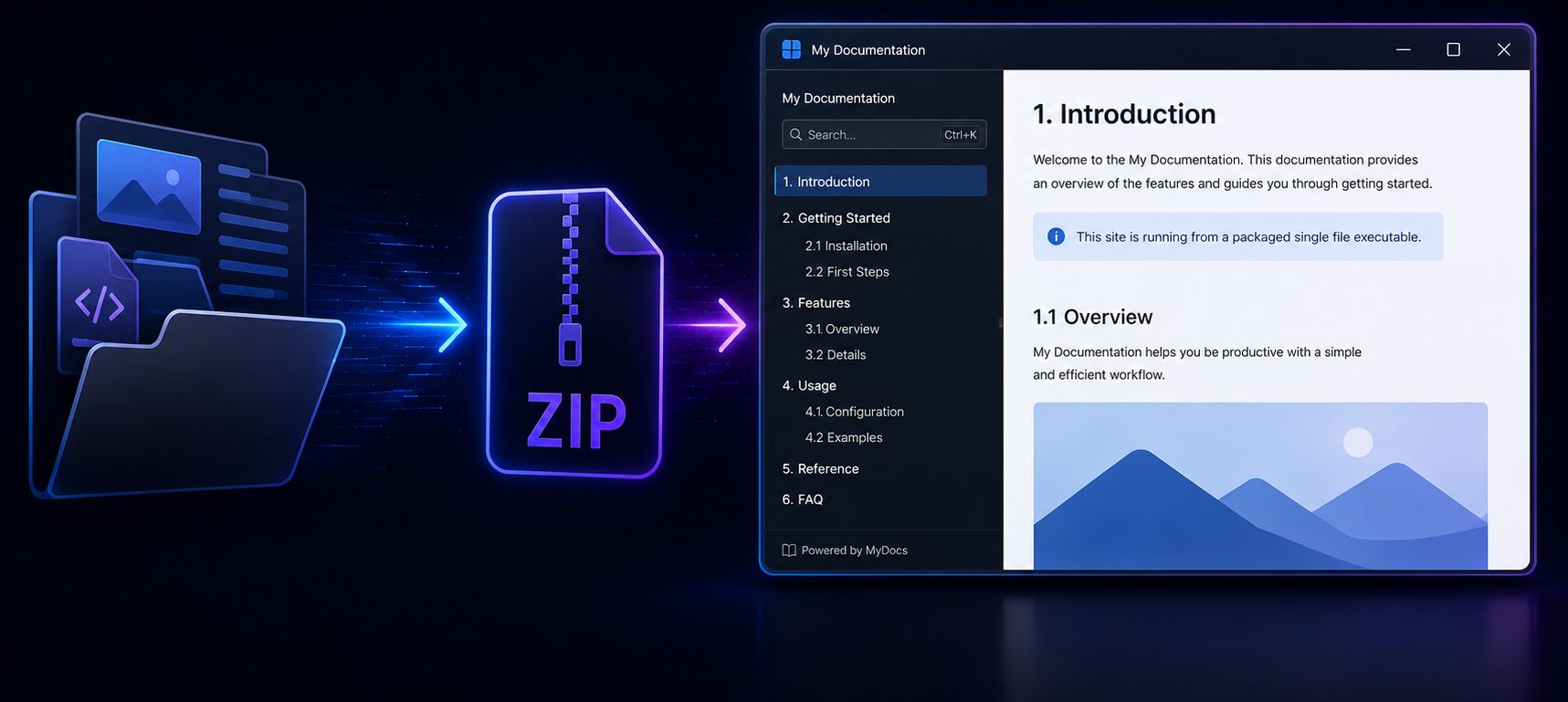
In this post I discuss how a self-contained Web Site Viewing tool using a single Windows executable that that packages and runs an entire website locally. I discuss the use case and implementation of creating a self-contained Windows executable that can be generated to contain both the executable itself and the data - in this case a zipped up Web site - to use.
Using .NET Native AOT to build Windows WinAPI Dlls
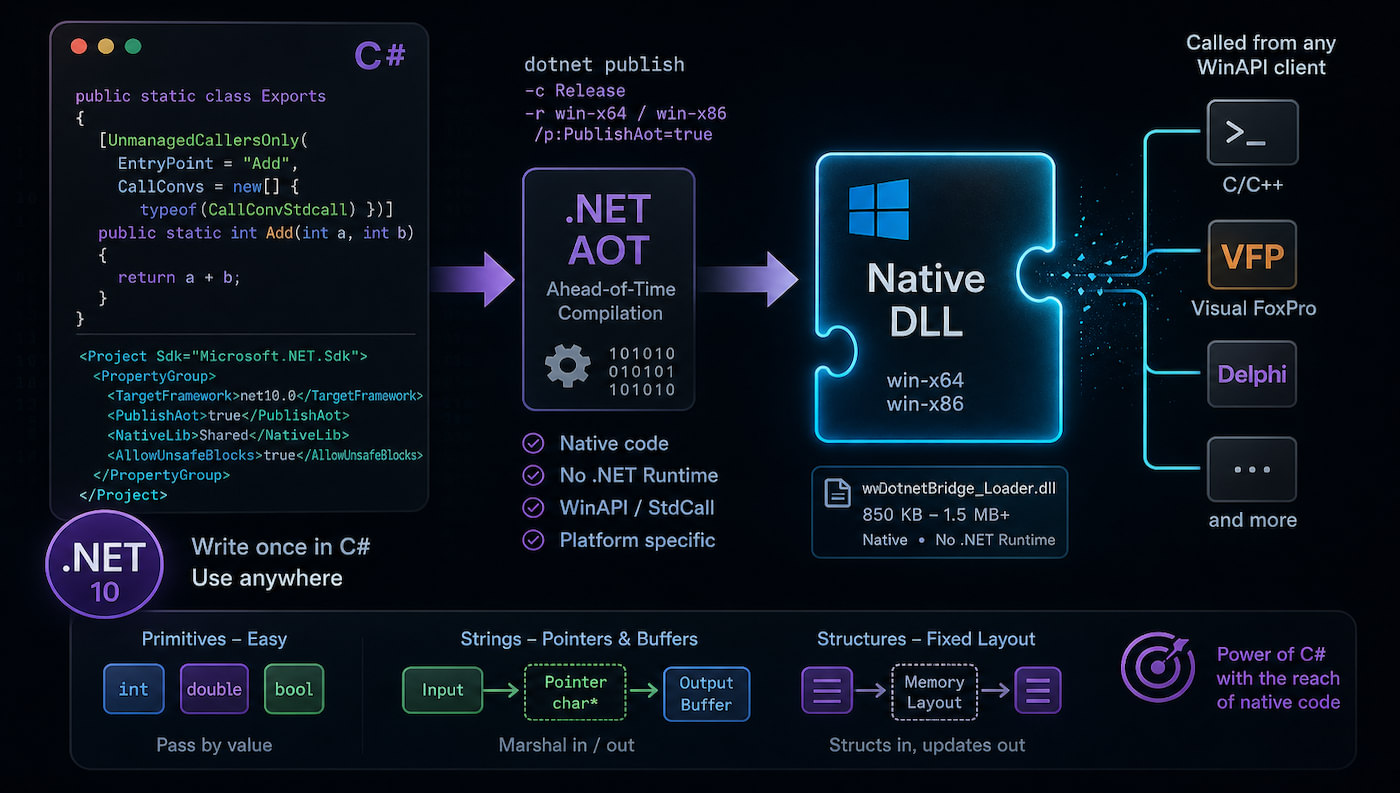
Did you know that you can use .NET AOT compilation to create native Windows DLLs to potentially replace traditional C/C++ compiled DLLs? It's now possible to build completely native DLLs that can be called from external applications and legacy applications in particular using .NET AOT compilation. In this post I show how this works and discuss the hits and misses of this tech.
Azure Trusted Signing Revisited with Dotnet Sign

In this follow-up post to my previous guide on Azure Trusted Signing, I explore how the new dotnet sign tool significantly simplifies the code signing process compared to the traditional SignTool workflow. The post identifies dotnet sign using artifact-signing as a faster, more efficient alternative.
Don't use the Microsoft Timestamp Server for Signing
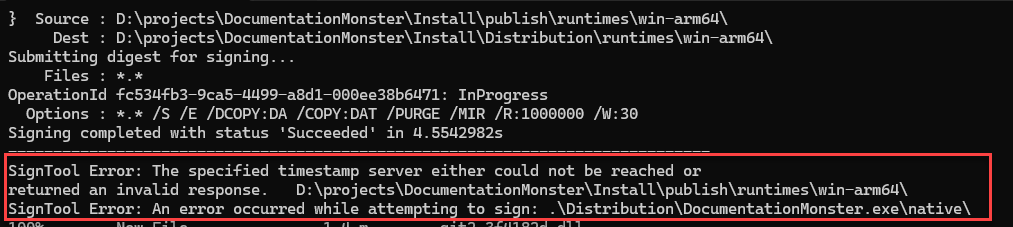
The default Microsoft timestamp server frequently causes intermittent failures during the code-signing process, particularly when processing many files or large binaries as part of a application distribution. These reliability issues can be resolved by replacing the Microsoft timestamp server with a more stable, compatible third-party alternative.
Reliably Refreshing the WebView2 Control

The WebView2 control lacks a direct Reload(noCache) overload that forces a browser hard reload of the current page. Instead content is loaded with a soft refresh that - hopefully - reloads the current page and its dependencies dependent on WebView environment and server cache policies. In this post we'll look at how to work around this limitation and force a hard refresh in several different ways.
Fighting through Setting up Microsoft Trusted Signing

It's that time of year again to update my CodeSigning certificate, only to find out that the rules have changed since I last did this. Certs now require either a physical hardware key or a online service provides the non-exportable keys to sign binaries along with massive price increases for the privilege. So I decided to give Microsoft's new Trusted CodeSigning service a try, and while that entails all the joy of setting up Azure services, at the and of the day it works and is a considerably…
Unpacking Zip Folders into Windows Long File Paths

Ah, long file paths bit me again today - this time with ZipFile.ExtractToDirectory() not unzipping long path files, even when specifying long path syntax for the output folder. In this post I briefly review Windows long path issues again, and describe what doesn't work and how to work around this particular problem. While specific to ExtractToDirectory() a similar approach might apply to other batch file based operations.
Distinguished Name on FileZilla Server Self-Generated Certs

Renewing Filezilla certificates I've run into a 'huh?' moment a few times trying to renew the self-signed certificates for the Administration interface. Trying the obvious entries of putting in the DNS names results in an error that's not perplexingly is fixed by providing a full Common Name instead.
WebView2: Waiting for Document Loaded

WebBrowser loading is always async and the WebView2 control is no different - in fact it's more complex as there a number of events that need to be handled in order to properly handle loading the control. In this post I describe how you can create a simplified load checking routine, or use the Westwind.WebView library and WebViewHandler to wait on content and process document access using linear await syntax.
Avoiding WPF Image Control Local File Locking

WPF locks local images when referenced via a Source attribute. In this post I discuss why this might be a problem and how you can work around it using native XAML and custom binding converter that provides a consolidated approach that includes image caching for better performance of reused images.
The Strong ARM of .NET: Wrestling with x64 and Arm64 Desktop App Deployment

.NET works great for cross-platform development making it easy to build apps that are cross-platform and cross-architecture specifically for x64 and Arm64. However, building a distributable application that can install and run out of box on both of these platforms, that's a bit more effort. In this post I discuss some of the gotchas and how to work around them to distribute apps that run out of the gate on both platforms.
Using Windows.Media SpeechRecognition in WPF

Windows has a pretty capable SpeechRecognition engine built-in via Windows Media services. In .NET these features are accessible via the Windows SDK (WinSdk) that expose these Windows features to .NET applications. In this post I discuss how you can integrate these features into a WPF application, and discuss some of the pitfalls along the way that you have to watch out for related to the SDK integration 'features'.
Accessing Windows Settings Dialogs from Code via Shell Commands
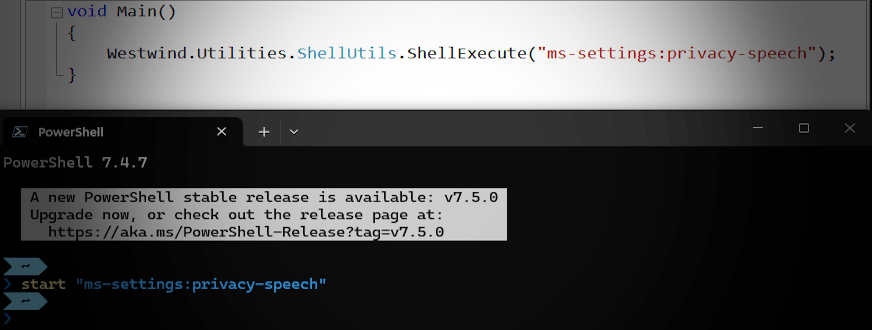
Windows has support for an ms-setting: Protocol Handler/Uri Scheme that allows you to directly open most Windows settings dialogs directly via simple Url based shell commands.
Retrieving Images from the Clipboard Reliably in WPF Revisited
The WPF Clipboard is notoriously bad for retrieving image data, mainly because of the funky behavior of the ImageSource control into which clipboard data is loaded. WPF cuts a lot of corners when retrieving images and there are many scenarios where Clipboard.GetImage() either crashes or doesn't render the supposedly successfully retrieved image. In this post I review some of the challenges and how you can work around the retrieving an ImageSource with an intermediary load of a bitmap in between…