

 Markdown Monster
Posts related to: Visual Studio
Creating a Static Web Content Project for Publishing with WebDeploy

Static content projects are more and more common and if you need to publish directly to an IIS Web Server using WebDeploy is one of the options you have. If you're building .NET projects there are many ways to publish projects from Visual Studio and the dotnet CLI. Unfortunately there currently is no .NET/Visual Studio project type that works out of the box for Static Site content - if you need to use WebDeploy. In this post I discuss how to hack a .NET Web project to work with static content…
Back to Basics: Add an ASP.NET Runtime Information Startup Banner

In almost every .NET Core Console application I end up adding a startup banner with some basic runtime information so I can see at a glance what environment I'm running in. I also add the URLs and any other application specific information that might be useful. In this short post I show a few things I display and how I reuse this functionality since it practically goes into every application I run.
Excluding Files and Folders in Visual Studio Web Site Project

I still use Web Site projects frequently for purely static Web sites that don't require a proper build process where 'DevOps' of any kind is overkill. Invariably when using Web site projects though, I end up requiring that 1 or 2 files are excluded on publishing and every time I do I spent a while trying to find the information how to do that in the .pubxml file. Well no more - I'm writing it down this time.
VSIX Installer Extension Manifest and Visual Studio Version Numbers

Ran into a problem with updating a Visual Studio extension today where the VSIX installer first failed to install for the latest version of Visual Studio and then failed to enable the option to install for that same version. Turns out it was related to incorrectly specifying the right version number for VS 2019 and in this post I show how to use the correct (and somewhat unexpected) version syntax.
Visual Studio 2019.2 and .NET 3.0 SDK Projects not Loading

Recent upgrades to Visual Studio 2019.2 seem to have broken projects that use the 3.0 .NET SDK as Visual Studio is defaulting to a pre-3.0 version of the SDK tools and compilers. The end result is that projects even fail to load in Visual Studio. There are workarounds but ultimately this an issue that Microsoft needs to address better in future updates.
A Visual Studio to Visual Studio Code Snippet Converter
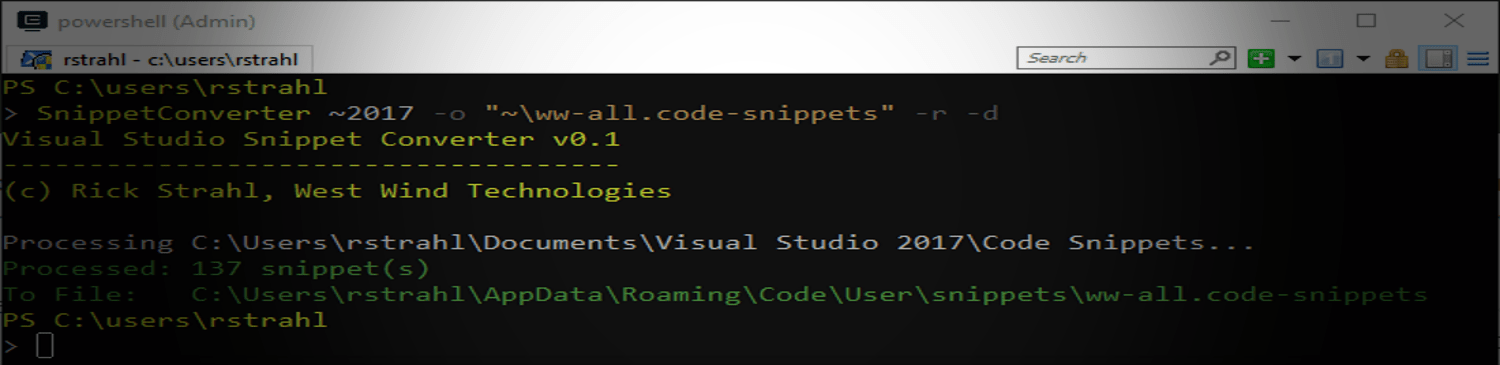
Visual Studio Code Snippets are very useful and a great productivity enhancing tool for templating reusable code blocks into the editor. I have tons of snippets I use all the time for great productivity savings. Over the last couple of years I've been increasingly using Visual Studio Code and JetBrains Rider and I found myself missing my nearly 150 code snippets from Visual Studio, so I created a small hacky utility to move code snippets from Visual Studio to VS Code and with more limited…
Tip: Open Visual Studio Code from Visual Studio as an External Tool
I use both Visual Studio and Visual Studio Code in my development. Although I tend to still default to the full version of Visual Studio, I tend to run Visual Studio Code side by side with Visual Studio and flip back and forth a lot. To make things a little easier and being able to jump directly to a document in VS Code from full VS you can create an External Tool entry and a shortcut mapping to quickly open documents and/or folders in VS Code.
Fixing Visual Studio Intellisense Errors
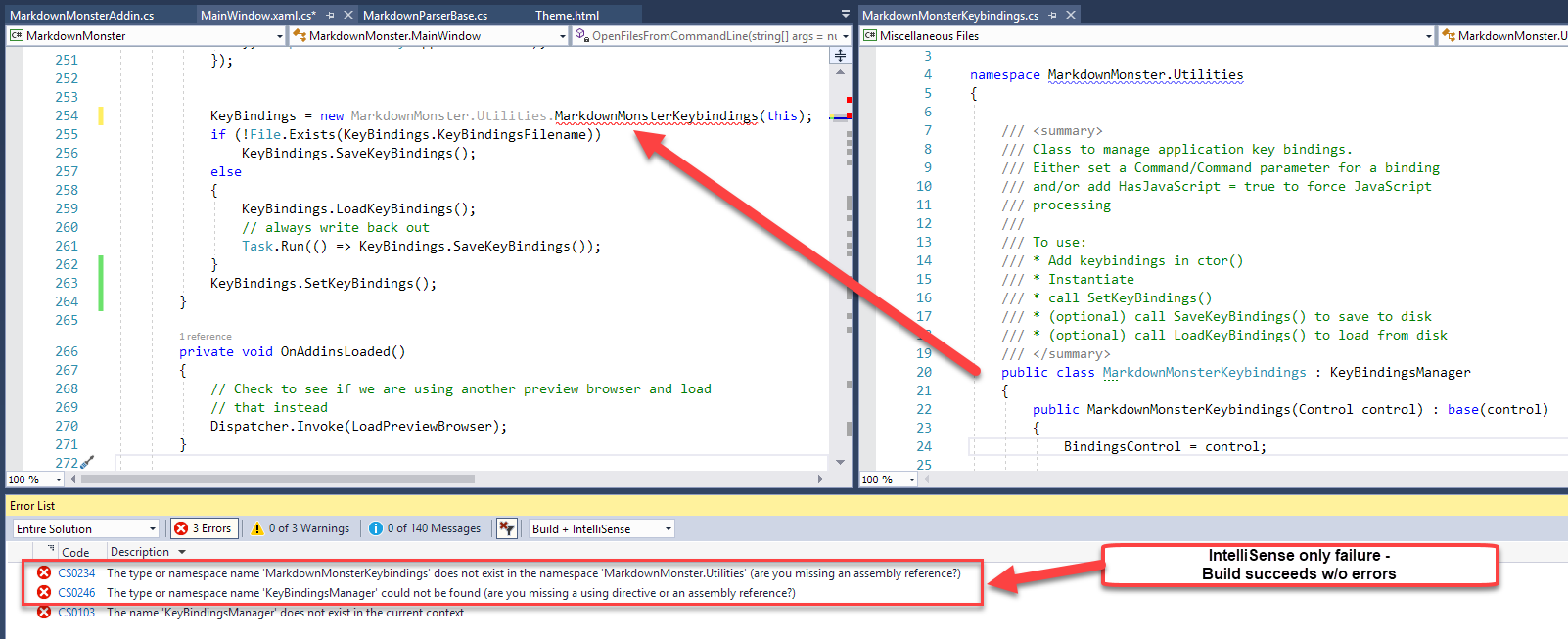
I ran into a problem in one of my applications where Visual Studio was showing errors that were clearly not actual errors. A new feature in Visual Studio now shows separate error listings for Build and IntelliSense errors and it turns out the errors are Intellisense errors. Here's how to fix them and get Visual Studio back onto the straight and narrow.
Opening a Web Browser with an HTTP Url from Visual Studio Code

Here's a quick tip on how you can create a project specific Visual Studio Task that can launch a Web Browser to a specific page quickly and easily.
JavaScript Debugging in a Web Browser Control with Visual Studio
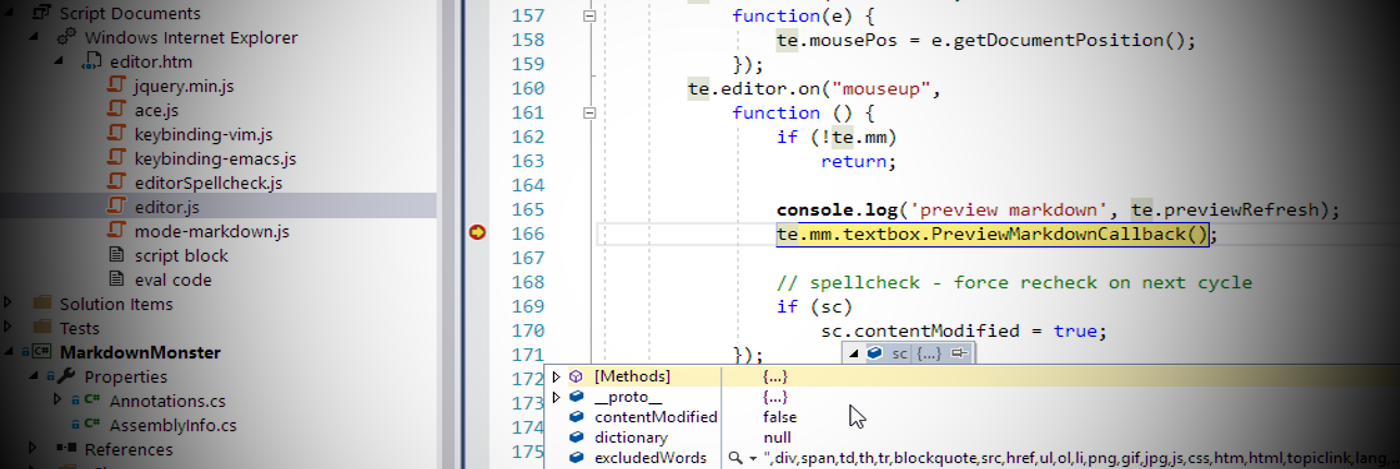
Debugging a Web Browser Control embedded in a Windows application can be a bear because there's no obvious way to debug the the JavaScript code or HTML DOM/CSS inside of the application. Although the Web Browser uses the Internet Explorer Engine for HTML rendering and JavaScript execution and provides most of the engine features, the Debugger and F12 are not part of that. As it turns out you can use Visual Studio to hook up a script debugger and provide a rich debugging experience with the full…
Adding Files to Visual Studio Projects
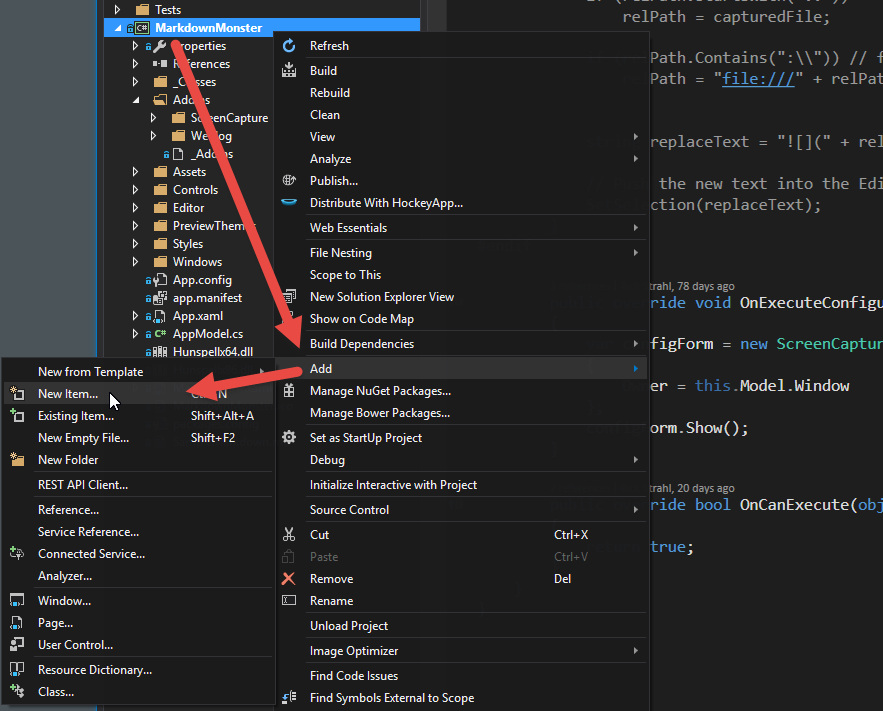
Visual Studio has a boat load of ways to add new files to a project and various extensions and tools provide even more ways to do the same. Even so the experience to add new files to a project in Visual Studio is one of the most tedious tasks. Here's what bugs me and how I try to work around the verbosity of it all.
Visual Studio Debugging and 64 Bit .NET Applications
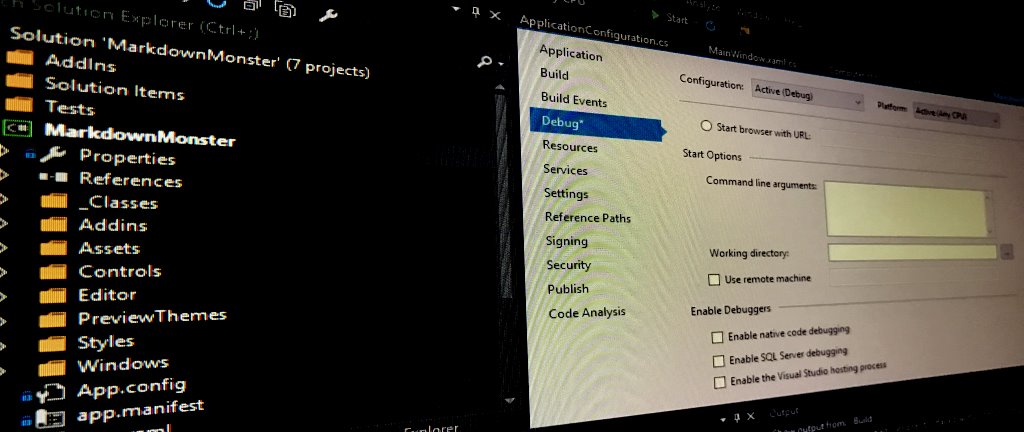
Recently while debugging a 64 bit application I found out the hard way that Visual Studio by default will use 32 bit debugging even when running what would otherwise be a 64 bit .NET application. There are a number of options that determine the bitness of your application, but the debugger often behaves differently than your standalone application. In this post I describe, why this might be a problem in some situations and how you can get the debugger to run in 64 bit.
Excluding the node_modules Folder in Visual Studio WebSite Projects
If you're working on a client side project that includes an NPM folder with a large number of dependencies and you're using a WebSite Project in Visual Studio, you've probably found that this is a terrible combination out of the box. In this post I describe why this is a problem and how you can work around it with a simple hack.
Upgrading to ASP.NET Core RTM from RC2
I installed and upgraded an ASP.NET Core Sample application today and while the actual project upgrade process from RC2 was relatively easy, there were a few hiccups with installation and one of the breaking changes for the RTM release. In this post I'll go over some of the things I ran into and the workarounds.
Registering and Unregistering a VSIX Extension from the Command Line
If you use VSIX extensions and you need to install them as part of an installation script, you can use the VSIX Installer executable that ships with Visual Studio to control the install and uninstall process.