

 Markdown Monster
Posts related to: WPF
Creating Dual Use Windows GUI and Console Applications
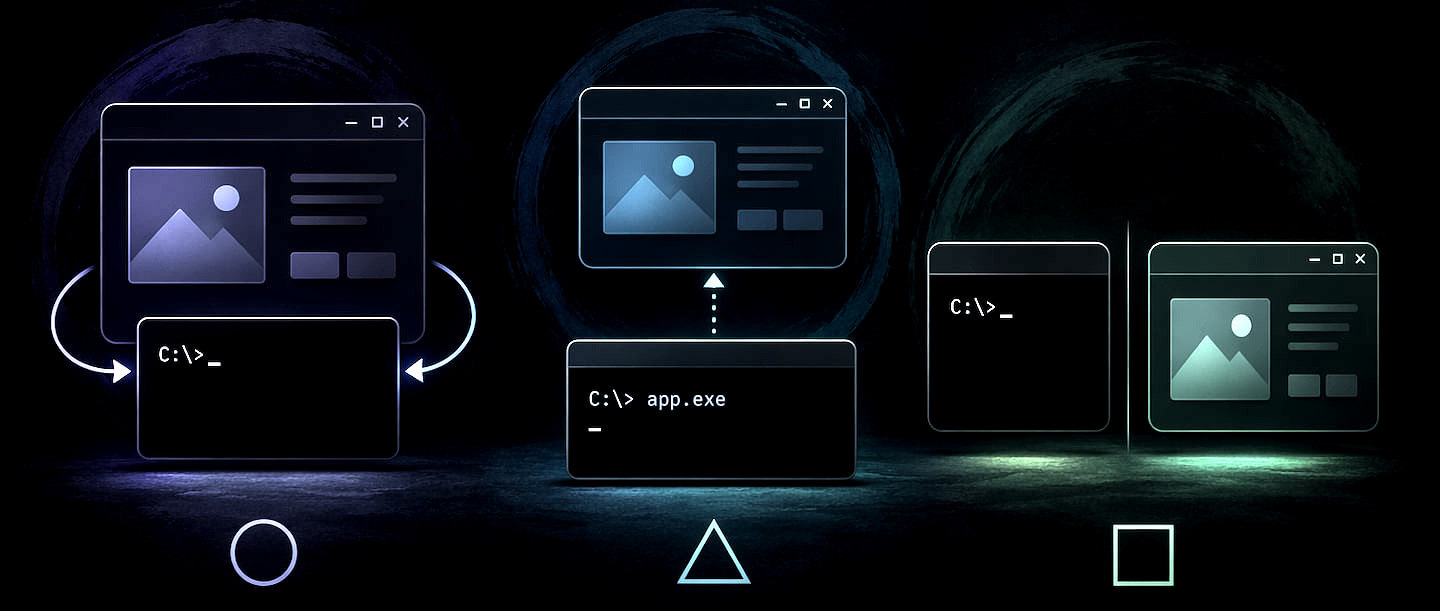
Building a tool that provides both a rich Windows GUI and a functional CLI from a single executable presents unique challenges due to how Windows handles subsystem types. This post explores three approaches for dual-mode apps: attaching to consoles from a GUI, launching UIs from a console app, and creating separate specialized EXEs. I’ll share the "clean as possible" workarounds for console jank and window flashing used in my own production tools.
Azure Trusted Signing Revisited with Dotnet Sign

In this follow-up post to my previous guide on Azure Trusted Signing, I explore how the new dotnet sign tool significantly simplifies the code signing process compared to the traditional SignTool workflow. The post identifies dotnet sign using artifact-signing as a faster, more efficient alternative.
Reliably Refreshing the WebView2 Control

The WebView2 control lacks a direct Reload(noCache) overload that forces a browser hard reload of the current page. Instead content is loaded with a soft refresh that - hopefully - reloads the current page and its dependencies dependent on WebView environment and server cache policies. In this post we'll look at how to work around this limitation and force a hard refresh in several different ways.
Using the new WebView2 AllowHostInputProcessing Keyboard Mapping Feature
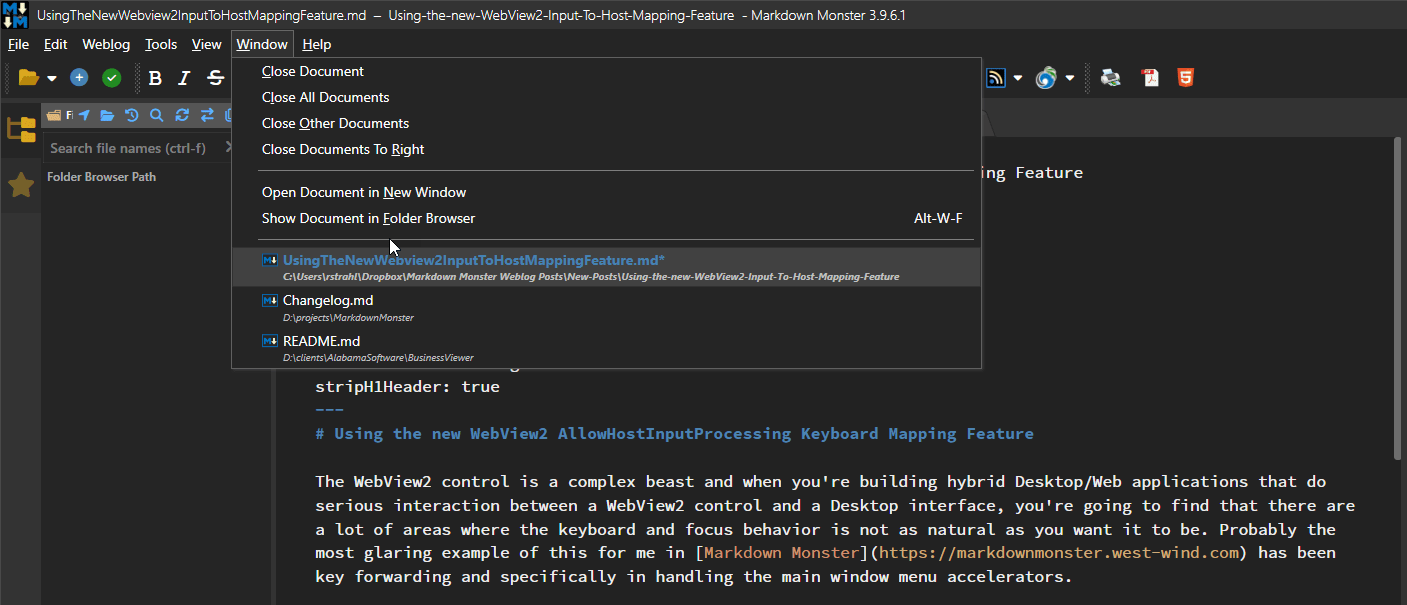
If you've used the WebVIew2 control for a UI interactive Hybrid active you've probably run into some odd keyboard behavior, where some keys cannot be captured properly in the host application or are not forwarded quite the way they normally behave. In the newer releases of the WebView SDK there's a new option called AllowHostInputProcessing that allows for forwarding keyboard events more aggressively to the host which fixes some Windows behaviors and introduces some new issues.
Centering a WPF TreeViewItem in the TreeView ScrollViewer

One of the annoying features of the TreeView in WPF is the inability to easily select and make an item prominently visible. While there is TreeView.BringIntoView() it doesn't do a good job dropping the item that the very bottom (or top) of the viewport with no way to center. In this post I show a few helper methods that facilitate this process and a few related tasks with some useful TreeView helpers.
WebView2: Waiting for Document Loaded

WebBrowser loading is always async and the WebView2 control is no different - in fact it's more complex as there a number of events that need to be handled in order to properly handle loading the control. In this post I describe how you can create a simplified load checking routine, or use the Westwind.WebView library and WebViewHandler to wait on content and process document access using linear await syntax.
Avoiding WPF Image Control Local File Locking

WPF locks local images when referenced via a Source attribute. In this post I discuss why this might be a problem and how you can work around it using native XAML and custom binding converter that provides a consolidated approach that includes image caching for better performance of reused images.
Using Windows.Media SpeechRecognition in WPF

Windows has a pretty capable SpeechRecognition engine built-in via Windows Media services. In .NET these features are accessible via the Windows SDK (WinSdk) that expose these Windows features to .NET applications. In this post I discuss how you can integrate these features into a WPF application, and discuss some of the pitfalls along the way that you have to watch out for related to the SDK integration 'features'.
Retrieving Images from the Clipboard Reliably in WPF Revisited

The WPF Clipboard is notoriously bad for retrieving image data, mainly because of the funky behavior of the ImageSource control into which clipboard data is loaded. WPF cuts a lot of corners when retrieving images and there are many scenarios where Clipboard.GetImage() either crashes or doesn't render the supposedly successfully retrieved image. In this post I review some of the challenges and how you can work around the retrieving an ImageSource with an intermediary load of a bitmap in between…
Getting the Current TabItem when the Tab is not selected in WPF
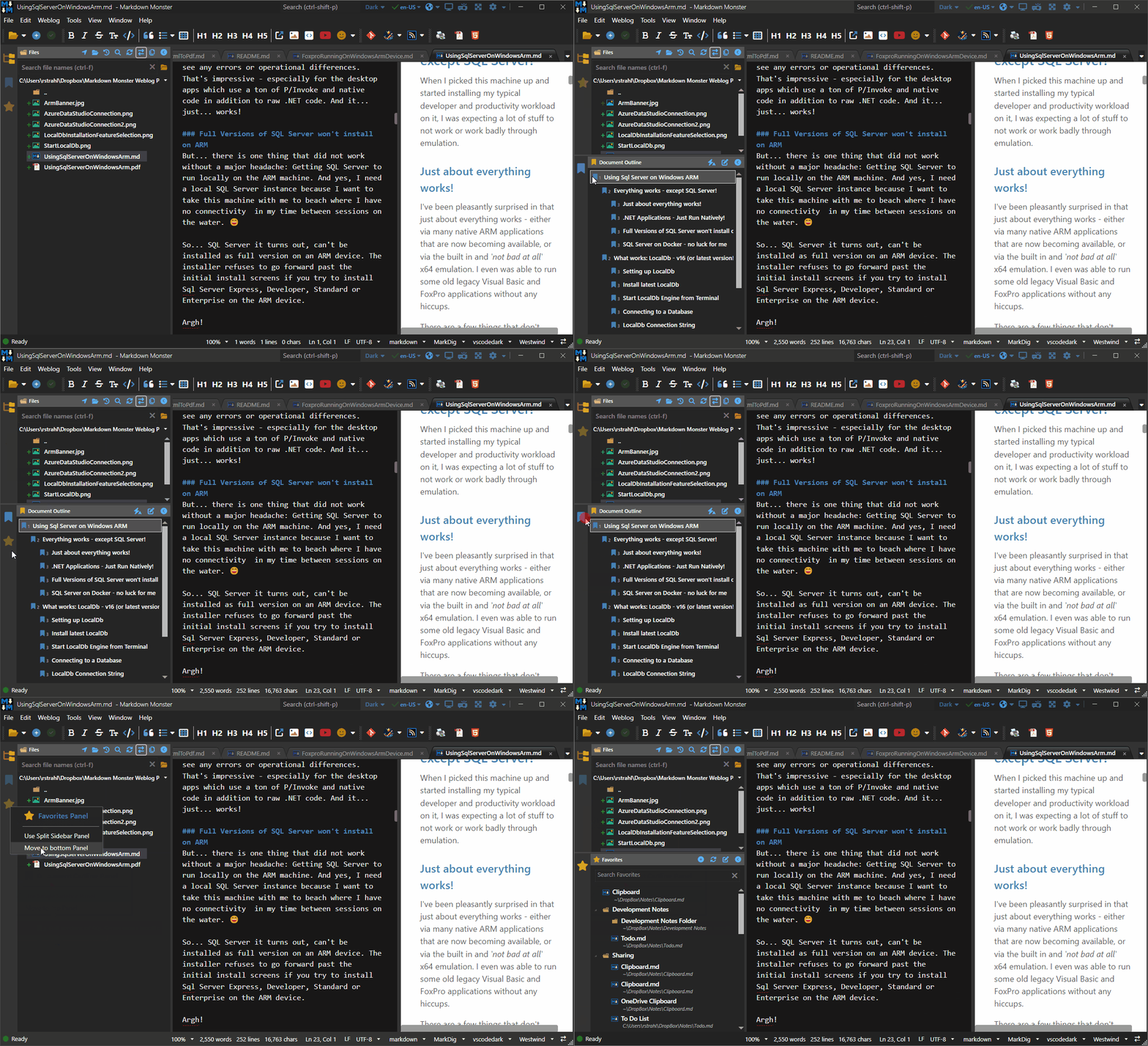
There's no direct support in WPF to find the control that the mouse is hovering over in Items controls like the TabControl, so if you need to bring up context sensitive information like a context menu or tooltip it takes a little extra effort to get the correct item to work with in this case ContextMenuOpening.
Working around the WPF ImageSource Blues

The WPF Image control and its ImageSource property can be problematic if you are loading a lot of images in a list. Depending on where you load images from, and how, you can very easily get bogged down with slow, blocking load operations, and memory leaks when the controls are released. In this post I describe a couple of specific problems I ran into loading a sizable list of images from files and show a few ways how to avoid the potential pitfalls related to ImageSource peculiarities.
Embedding a minimal ASP.NET Web Server into a Desktop Application

Did you ever need to embed a Web Server into a non-Web application? In this post I describe how you can use host ASP.NET in a non-Web application and specifically in a WPF desktop app. What do you need, how is it different and some of the issues that you need to consider if you want to use ASP.NET in your non-Web applications.
Save Files With Elevated Permissions on UnauthorizedAccessException
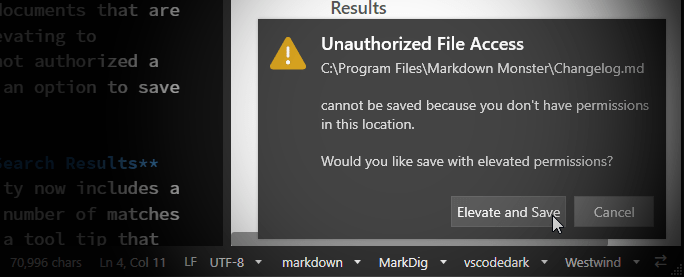
If you have an application that generically allows you to edit and save files, you might on rare occasions need to save files in locations that where a regular user account does not have permissions to save. Rather than failing wouldn't it be nice to let the user know and optionally allow saving with elevated permissions? In this post I describe the workflow and implementation on how to do just that.
Caching your WebView Environment to manage multiple WebView2 Controls

I've been struggling with rare WebView initialization errors in one of my applications, that have been difficult to debug and track down. After a lot of trial and error I discovered that the problem is related to WebView Environment instantiations that might be stepping on each other. In this post I describe the problem and a solution that involves creating a single WebView Environment and reusing it for all WebView initialization.
A WPF Statusbar Control
Statusbar controls are boring, but because of the way that they are used there are a number of caveats like ensuring the UI updates even in linear code, allowing for timeouts of status messages and resetting to default, and to provide some visual clues to draw attention to the status messages displayed. In this post I talk about a custom status bar control and helper that make it super easy to use a new status bar control or attach additional functionality to an existing status bar.